





ProSoft Insights / Videos
Setup Video: Connect your Allen-Bradley Remote I/O PLC to EtherNet/IP FLEX adapters
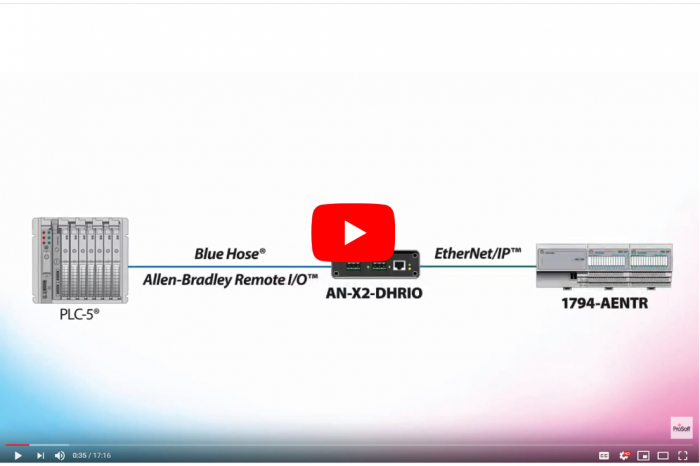
Setup Video: Connect your Allen-Bradley® Remote I/O™ PLC to EtherNet/IP™ FLEX™ adapters
This video walks you through the process to set up ProSoft Technology’s AN-X2-AB-DHRIO Modernization Gateway with the EIPSCN firmware to allow PLCs on Remote I/O™ to connect to and control 1794-AENT and AENTR EtherNet/IP™ FLEX™ adapters.
You will learn how to use the gateway's onboard web interface to configure IP settings and the firmware type, as well as create a .csv configuration file using the auto scan feature. Then, we’ll show how to edit that file to match the I/O racks. Check out the video below!
Have a legacy control system that’s due for an update? Click here to find out how a phased modernization solution can help.
To find out more about the gateway, click here!